How to Set Up a Professional Video Call Background on a Budget
How to Set Up a Professional Video Call Background on a Budget
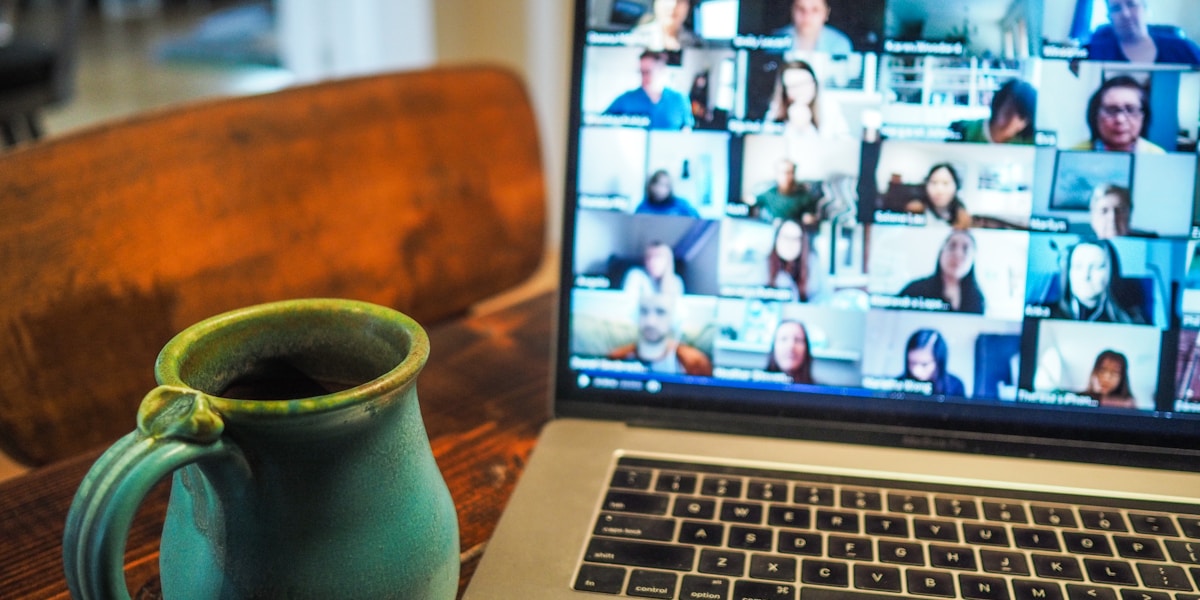
Your video call background says a lot about you. Here's how to look professional without spending a fortune.
Quick Answer: Clean up your space, add good lighting, and place 2-3 intentional items behind you. Budget: $50-100.
Why Background Matters
First impressions happen on video calls:
| Background | Impression |
|---|---|
| Messy room | Disorganized, unprofessional |
| Plain wall | Boring, no personality |
| Bookshelf | Intelligent, well-read |
| Plants + art | Creative, balanced |
| Virtual background | Distracting, trying to hide |
The $100 Professional Setup
Step 1: Clean Up (Free)
Remove from view:
- Laundry, dishes, clutter
- Personal items (photos, medications)
- Distracting decorations
- Kids' toys
Goal: Clean, neutral, professional
Step 2: Choose Your Background Spot
Best locations:
- Corner of a room
- In front of a bookshelf
- Near a window (natural light)
- Dedicated office space
Avoid:
- Kitchen (too busy)
- Bedroom (too personal)
- Bathroom (just don't)
- High-traffic areas
Step 3: Add Key Elements
The Professional Formula:
- 1 bookshelf or shelving unit
- 2-3 plants (real or high-quality fake)
- 1 piece of art or framed certificate
- 1-2 decorative items (minimal)
Shopping List
| Item | Where to Buy | Price |
|---|---|---|
| Floating shelves (3) | IKEA, Amazon | $25-40 |
| Plants (2-3) | Local nursery, Amazon | $15-30 |
| Framed art/certificate | Thrift store, Amazon | $10-20 |
| LED strip light | Amazon | $10-15 |
| Book ends | Amazon | $10 |
Total: $70-115
Lighting Setup
Good lighting matters more than background.
Natural Light (Free)
- Face the window
- Light on your face, not behind you
- Use sheer curtains to soften
Artificial Light ($20-50)
- Ring light in front of you
- LED panel for fill light
- Desk lamp for accent
Lighting Rules
- Light source in front of you
- Avoid backlighting (window behind you)
- Avoid overhead fluorescent
- Even lighting, no harsh shadows
Camera Setup
Position
- Eye level (stack books under laptop if needed)
- Centered in frame
- 2-3 feet from face
Framing
- Head and shoulders visible
- Small gap above head
- Centered left-right
Test Before Calls
- Check background
- Check lighting
- Check camera angle
- Check audio
Virtual Backgrounds: When to Use
Pros
- Hide messy background
- Professional appearance
- Easy to change
Cons
- Can be distracting
- Glitches with movement
- Less personal
- Requires good computer
Best Practices
- Use subtle, professional images
- Avoid animated backgrounds
- Test before important calls
- Have backup plan if it glitches
Budget Breakdown
Minimal Setup ($30-50)
- Clean existing space
- Add 1-2 plants ($15)
- Good desk lamp ($15-25)
Standard Setup ($75-100)
- Floating shelves ($30)
- Plants + art ($30)
- LED lighting ($15)
- Books for display ($10-20)
Premium Setup ($150-200)
- Quality shelving ($50)
- Multiple plants ($40)
- Art + decor ($40)
- Ring light ($30-50)
- Camera upgrade ($50)
My Setup
What I Use
- IKEA KALLAX shelf unit ($60)
- 3 fake plants from Amazon ($25)
- 2 framed prints ($20)
- LED strip behind shelf ($15)
- Ring light ($25)
Total: $145
Result
- Professional appearance
- Comments on "great setup"
- Confidence on calls
- Works for all platforms
Quick Fixes for Common Problems
| Problem | Solution |
|---|---|
| Too dark | Add front-facing light |
| Messy background | Declutter or use virtual bg |
| Unflattering angle | Raise camera to eye level |
| Echo/reverb | Add soft furnishings |
| Distracting items | Remove from frame |
Tips for Different Call Types
Job Interviews
- Professional, clean background
- Books and certificates visible
- Minimal decoration
- Good lighting essential
Team Meetings
- Can be more casual
- Show personality
- Plants and art okay
- Still professional
Client Calls
- Most professional setup
- Neutral, clean background
- Focus on you, not background
- Excellent lighting
Bottom Line
You don't need a fancy home office to look professional on video calls. Clean up your space, add a few intentional items, and nail the lighting. Budget: $50-100.
Your background should enhance your professionalism, not distract from it.
What does your video call background look like? Share your setup!
